IT and Media Lab
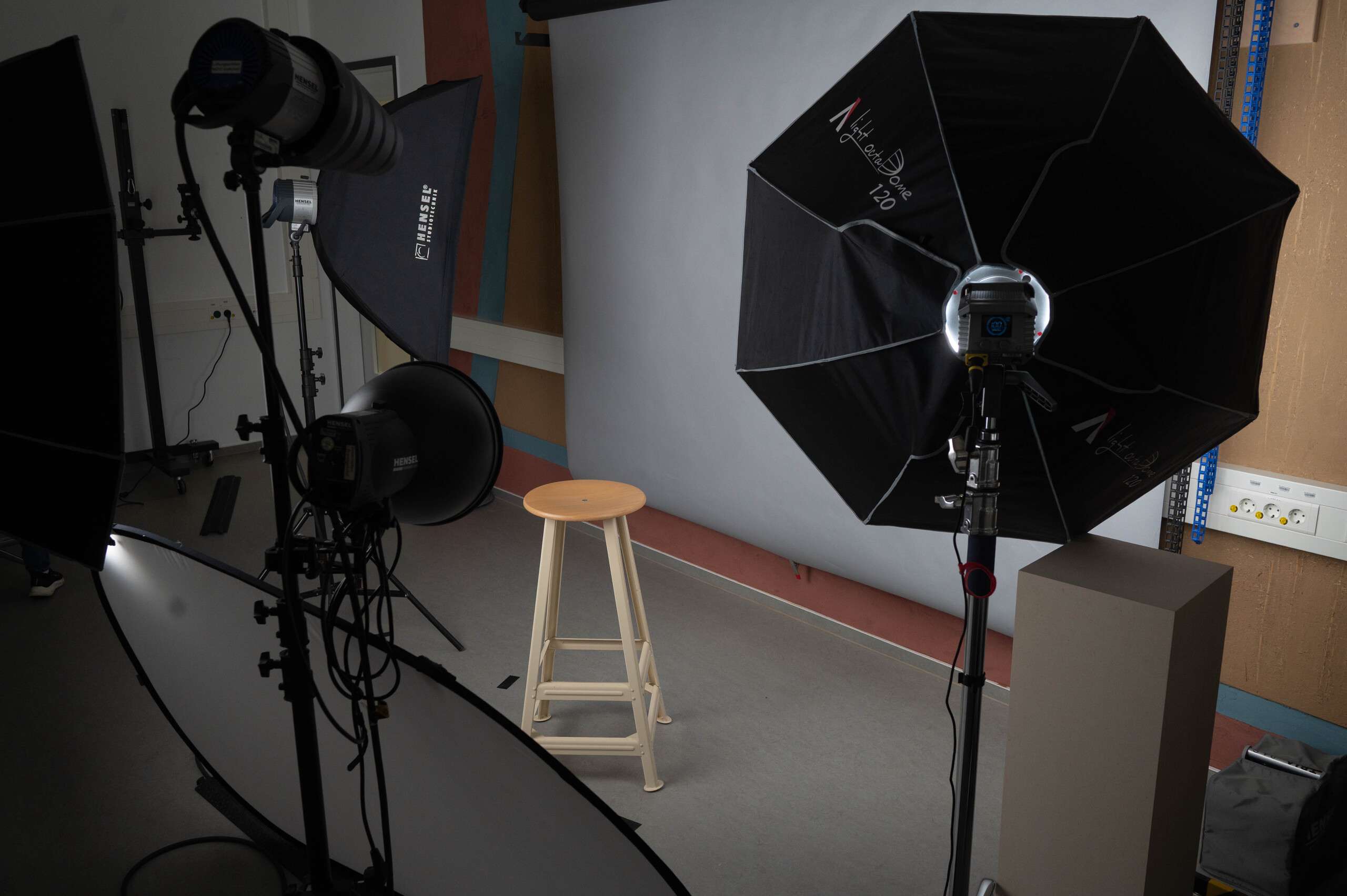
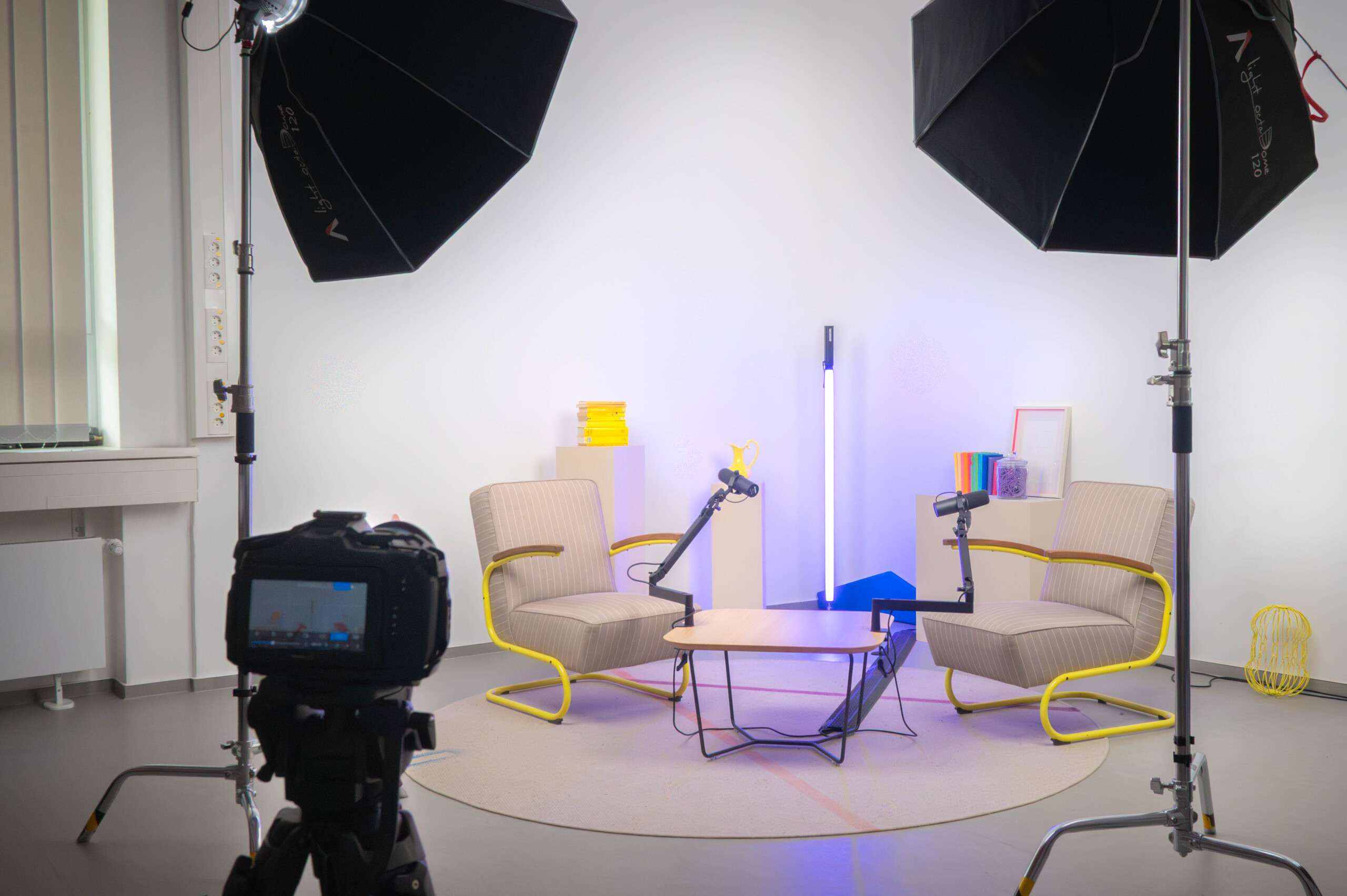
We created the IT and Media Lab to give you the opportunity to document and present your projects professionally. Here you’ll find everything you need for impressive product photos, engaging podcasts, recording lectures, or compelling pitch videos — including the associated software.
Who is the contact person for the IT and Media Lab?
title: Tim Höink
Tim Höink
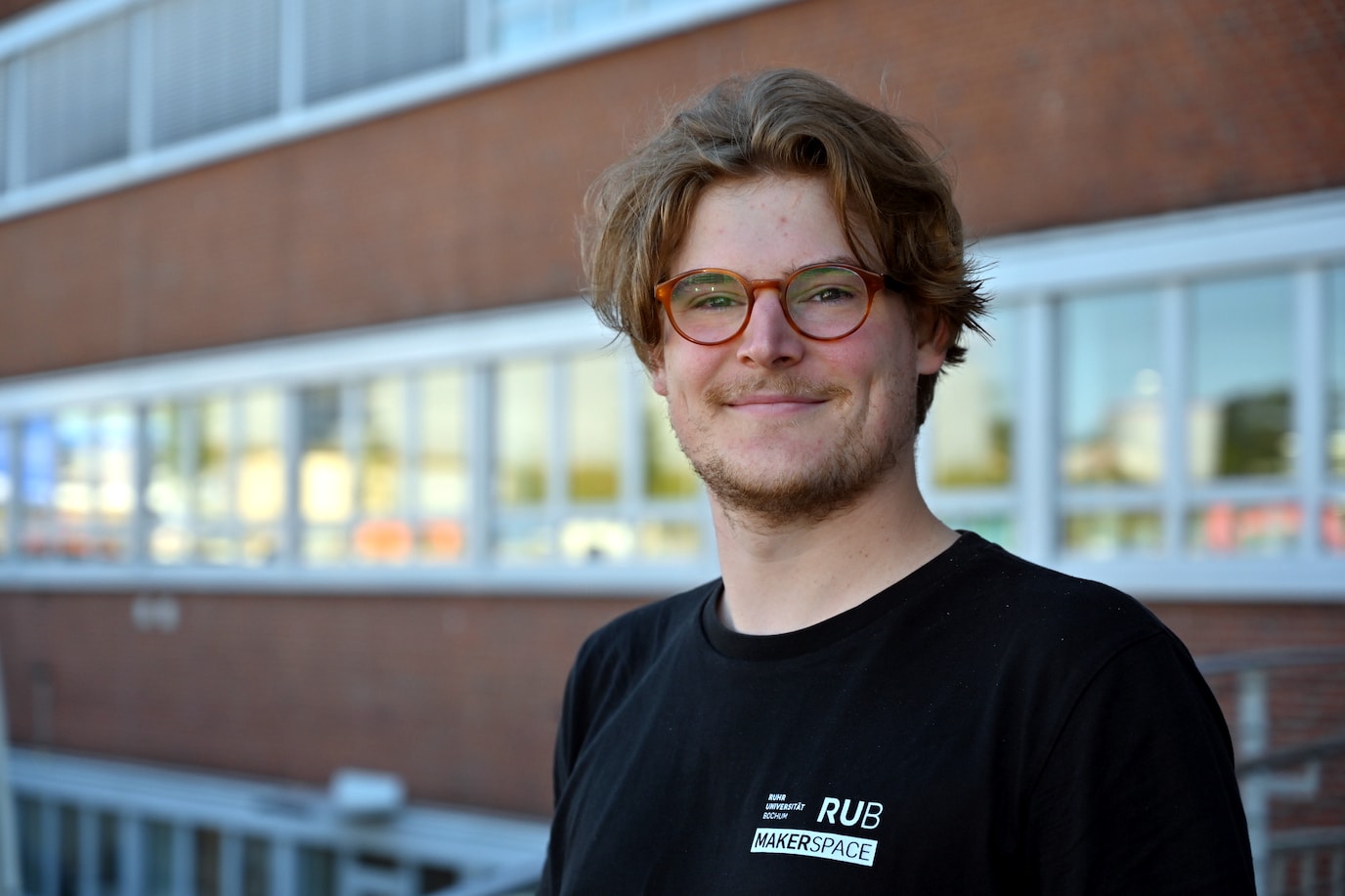
"I'm Tim (he/him) and head of the IT and Media Lab. If you’d like to work with our camera, audio, or lighting equipment, I’m your point of contact. I’ll show you how to use it and support you with any questions about your project, as well as reservations and equipment loans.
For planning collaborations or workshops related to the IT and Media Lab, feel free to reach out to me."
- For general inquiries, you’re welcome to contact our team here.
- For specific questions, you can reach me directly at:
- Training as a technical draftsman specializing in building services engineering
- B.Eng. in Mechanical Engineering (FH Dortmund), currently pursuing an M.Sc. in Mechanical Engineering (RUB)
- Founding member of Hartkern e.V. – organization of hardcore and punk concerts
What you can do in the IT and Media Lab
- Photo and video shoots with DSLR and mirrorless cameras
- Recordings with professional audio equipment
- 360° photo and video recordings
- Video broadcasts
- Drone recordings (currently not operational)
- Extensive post-production with software for sound, photo, and video!
Most of the equipment can also be borrowed ausleihe.md. Just contact us!
How you can use the IT and Media Lab
To work in the IT and Media Lab, you must first attend the general safety briefing. After that, you will receive an introduction for the specific application (for example product photography or 360° camera). With most devices, you can then work independently. Exceptions are the drone and camera crane, which have additional requirements. Please speak with us separately about these. If you would like to use the IT and Media Lab, simply let us know on site or contact us.
Go to the “IT and Media Lab” workspace folder with additional documents
In this folder you will find additional materials related to the IT and Media Lab, such as user manuals, operating instructions, tutorials, and other resources intended to make your work easier.
As always: together we are stronger — we appreciate every contribution to our shared pool of knowledge and experience!
Photo and Video Cameras
In our photo studio you will find a selection of DSLR cameras, some of which can also record video. We provide professional accessories for your projects such as various lenses, tripods, a light tent, studio flashes with a wide selection of light modifiers, exposure meters, a camera crane, and much more.
360° content is becoming increasingly established in many areas today, such as real estate tours or exploration experiences, product marketing, or immersive virtual reality videos.
Example application: Digital 360° tour of the RUB campus.
If you are also interested in our VR/AR equipment in addition to the 360° cameras, you can find more information here!
Links lead to the manufacturer’s website
Specials
-
GoPro HERO6 Black – action camera
Zoom lenses
-
Nikon AF-S NIKKOR 24-70mm f/2,8G ED
-
Nikon AF-S NIKKOR 24-120mm f/3,5-5,6G
-
Nikon NIKKOR Z 24-70mm f/4 S
-
Canon EF-S 15-85mm f/3,5-5,6 IS USM
Macro lenses
-
Nikon AF-S VR Micro NIKKOR 105mm f/2,8G IF-ED
-
Nikon AF-S Micro NIKKOR 60mm f/2,8G ED
-
Canon EF 100mm f/2,8L Macro IS USM
Wide-angle lenses
- Nikon AF-S NIKKOR 14-24mm f/2,8G ED
Links lead to the manufacturer’s website
-
Various tripods and studio hardware
-
Nikon Speedlight SB-800 – flash
Audio Technology
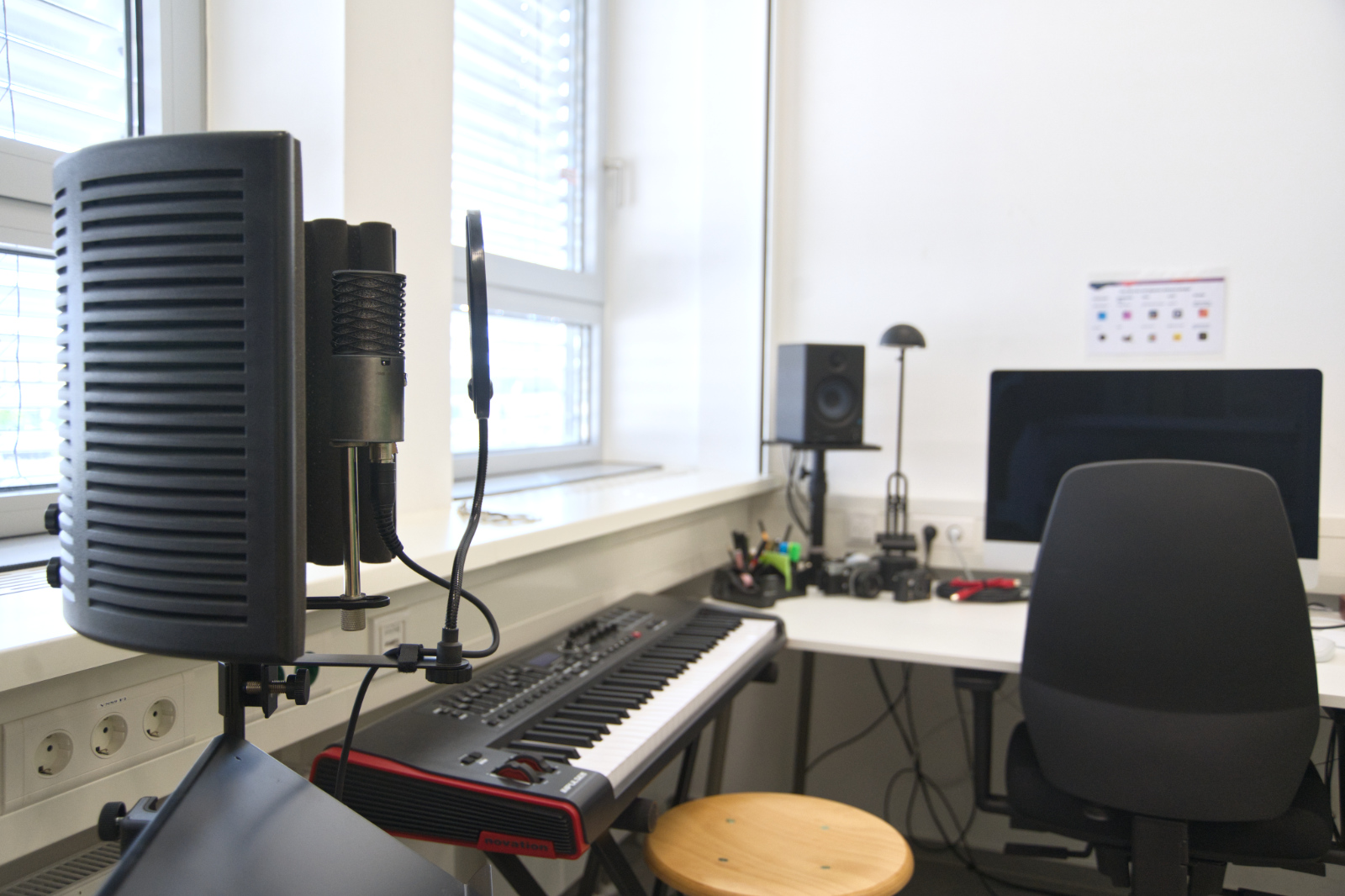
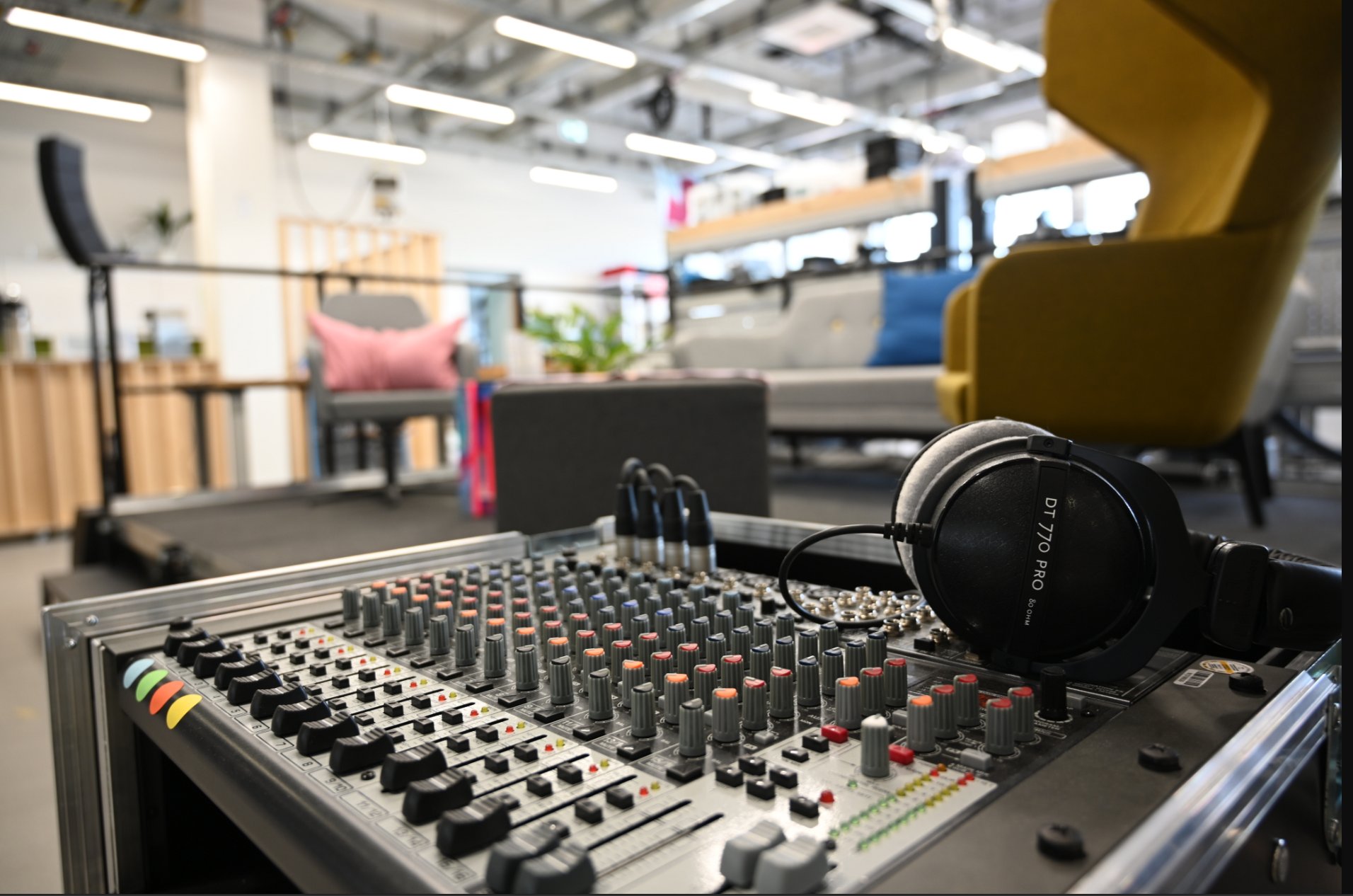
Whether in podcasts, livestreams, films, music, or sound design — audio quality plays a crucial role in the overall impression of your project. With our equipment, you can implement your audio project professionally (from recording to the finished audio file)!
Links lead to the manufacturer’s website
- 2x Aston Origin – large-diaphragm microphone
- Focusrite Scrlett 4i4 3rd Gen. – USB audio interface
- Novation Impulse – MIDI master keyboard
- Presonus HP4 – headphone amplifier
- 4x Beyerdynamic DT 770 Pro 80 Ohm – headphones
- 1x Rode Podcaster – large-diaphragm microphone
- 1x Rode Wireless GO – wireless clip-on/lavalier microphone with one transmitter/microphone
- 2x Rode Wireless GO II – wireless clip-on/lavalier microphone with two transmitters/microphones
- 2x microphone stand with acoustic shield
Links lead to the manufacturer’s website
Lighting Technology
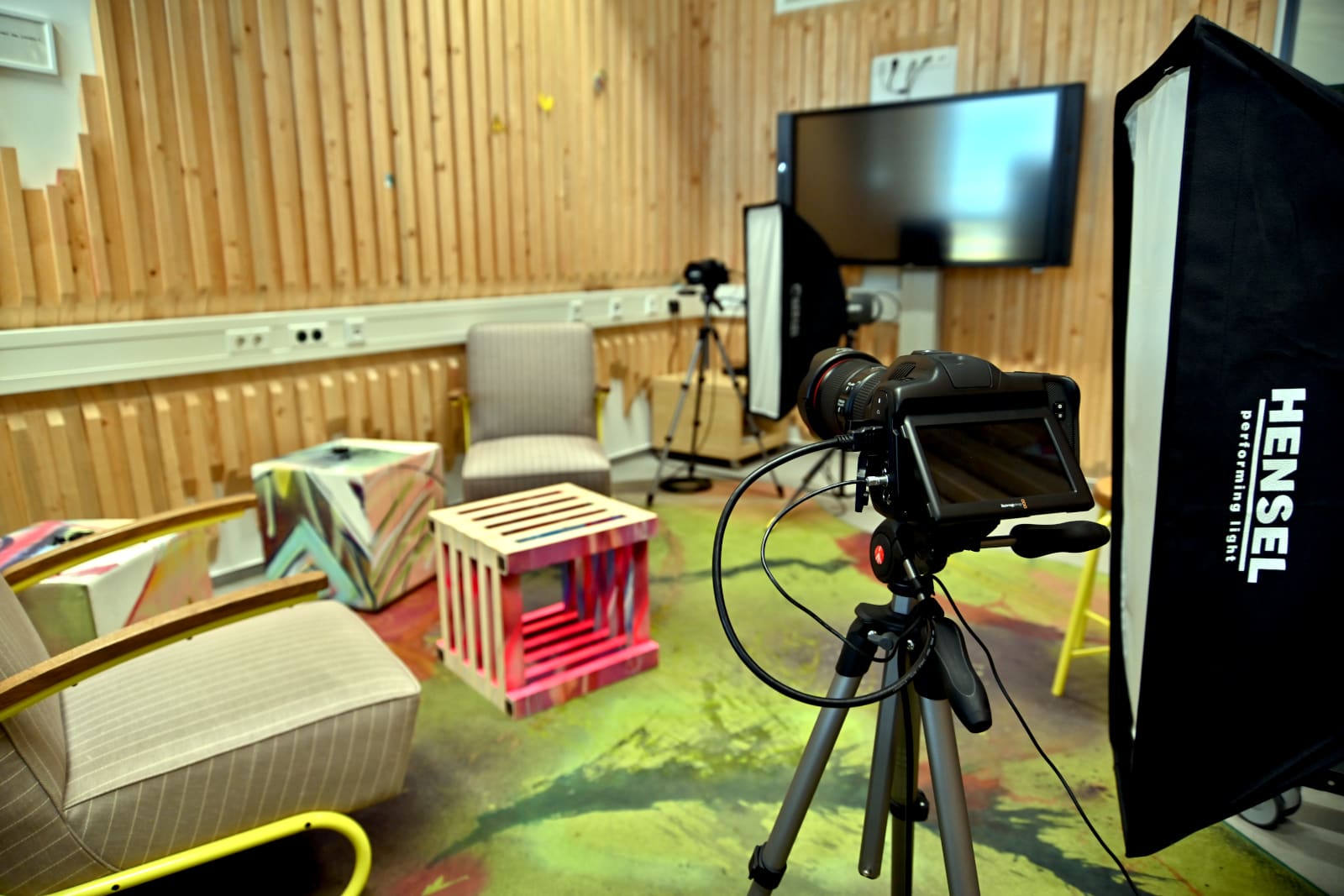
Perfect recordings and events only succeed with good lighting! For this purpose, you can use our various continuous light sources, flashes, softboxes, and blackout options.
Links lead to the manufacturer’s website
Flashes
- Hensel TRIA 24 S – generator for flash heads
- 2x Hensel EH 3000 – flash heads
- 3x Hensel Expert Pro – compact flashes
Continuous lighting
- 2x Hensel Intra LED – continuous light source
- Cullmann Culight V 390DL – battery-powered video light with hot shoe adapter
Light modifiers
- Softboxes in various sizes up to 60 x 120 cm
- 7", 9", and 12" reflectors with honeycomb grids
- Beauty dish
- Snoot – narrow beam reflector for spotlight
- Light tent
Accessories
- Calumet DFM 3 – exposure meter
- Various tripods and studio hardware
Media Production
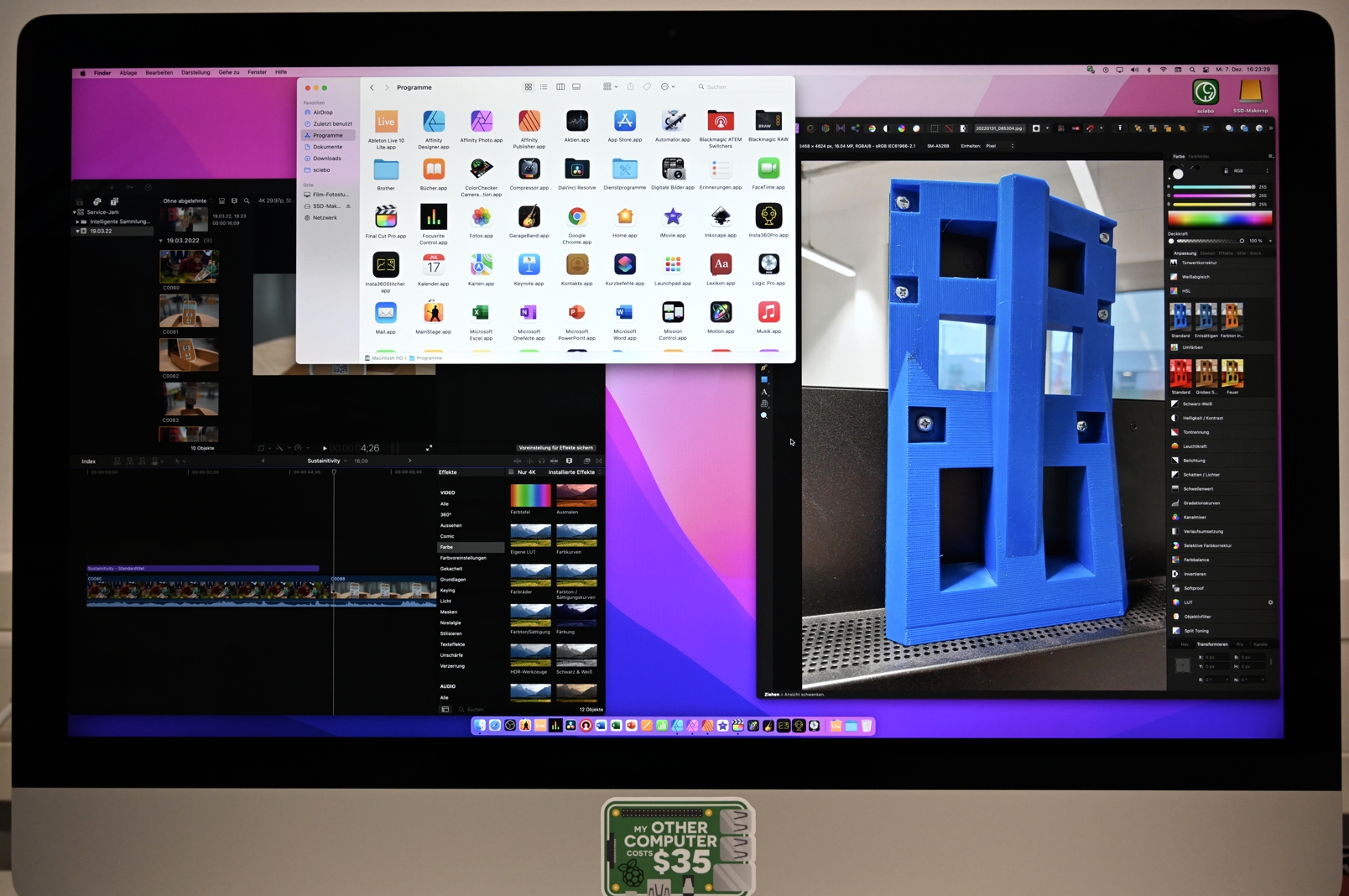
Nothing works today without software. Whether film editing, streaming, sound processing… the possibilities are endless. With us, you have access to both common open-source software and professional programs from established manufacturers. Since video projects and 360° recordings can sometimes place higher demands on computer hardware, you also have the option to edit your projects directly on site using powerful systems. Here you will find information about our laptops and desktop workstations.
Links lead to the manufacturer’s website
Links lead to the manufacturer’s website
Links lead to the manufacturer’s website
Links lead to the manufacturer’s website
Stage Technology
Our event technology is complemented by a stage with wheelchair ramp.
Links lead to the manufacturer’s website
-
15m stage railing
-
15x0.4m stage curtain – black molton
-
Wheelchair ramp for 0.4m stage height
-
2x stairs for 0.4m stage height
The equipment listed here is the same as in the section Audio Technology/Events
Links lead to the manufacturer’s website
The equipment listed here is the same as in the section Lighting Technology/Events
Links lead to the manufacturer’s website
Links lead to the manufacturer’s website
-
Legamaster – 86" touch display
-
Short-throw projector with mobile screen (currently being set up)
Lizenz: Creative Commons - Namensnennung - Weitergabe unter gleichen Bedingungen - 4.0 International
Quellenangabe als: "Titel, RUB-Makerspace-Team, CC BY-SA 4.0"
Für Zitate oder Material aus Fremdquellen gilt die Lizenz der Quelle.